
TELEPROMPTER FOR MAC
Your script. Right by the camera.
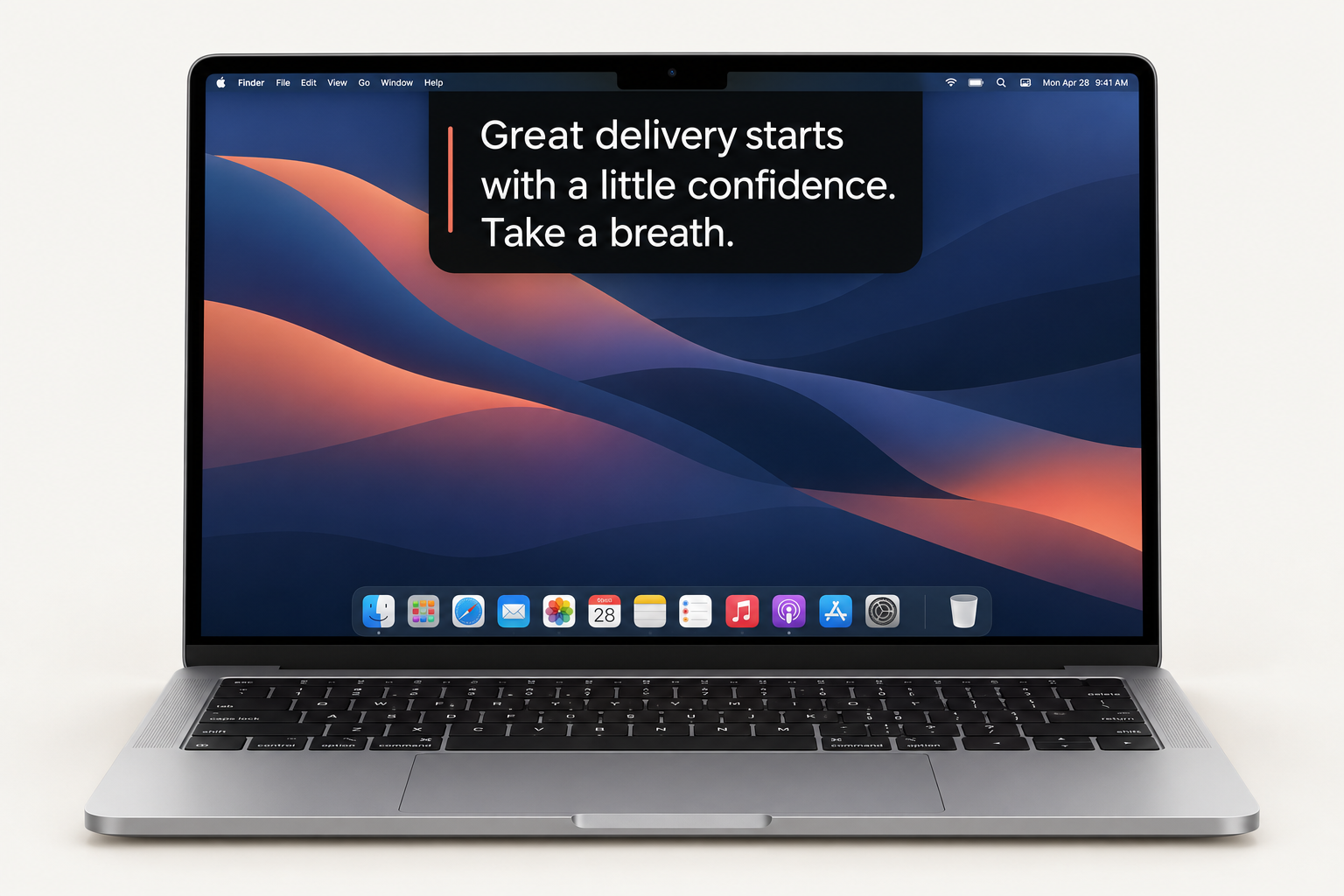
Keep your words near your Mac’s camera, so you can follow your script while looking toward your audience.
macOS 14+ · Apple silicon & Intel · Signed & notarized
Find your
reading pace.
Press play to try it. Adjust the speed or pause whenever you need.
PROMPTER DEMOReady
Ready when you are.INTERACTIVE DEMO
This browser demo uses manual playback. Voice activation is available in the Mac app.
Keep your eyes up.
A compact overlay puts your script just below your Mac’s camera.
Voice activation.
Scroll as you speak and pause when you stop. Turn it on or off anytime.
Simple controls.
Space to play or pause. Arrows to navigate and change speed. Hover to pause.
Get Cue for Mac.
Open the DMG and drag Cue into Applications.
Download Mac betaAn early release for testing. iPhone and iPad versions are in development.